


 AlgoStocx Author
 Dec 16, 2024
To connect Motilal Oswal to AlgoStocx’s Copy Trading software, follow these steps:
1. Generate the API key from the Motilal Oswal API portal.
2. Add your Motilal Oswal account details in AlgoStocx’s Copy Trading.
For creating an API and getting the TOTP key :
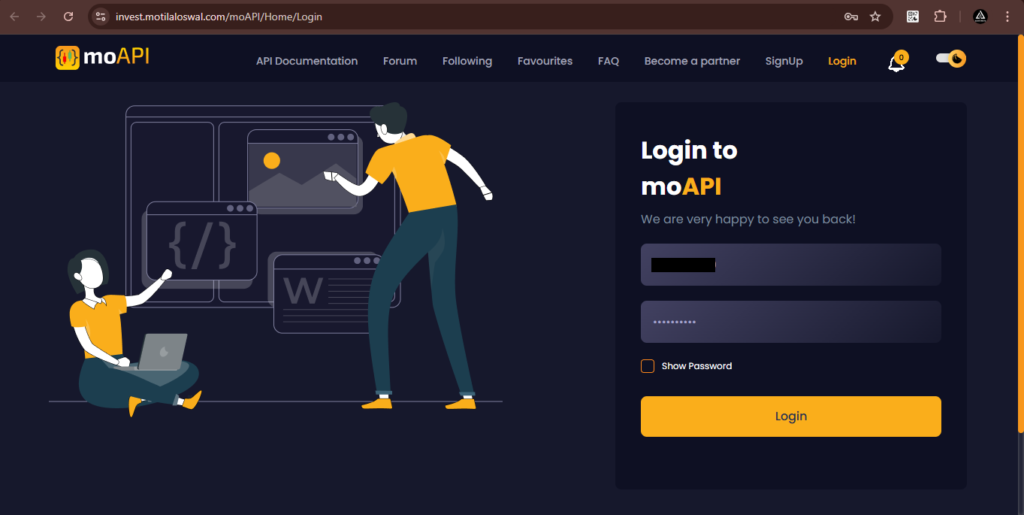
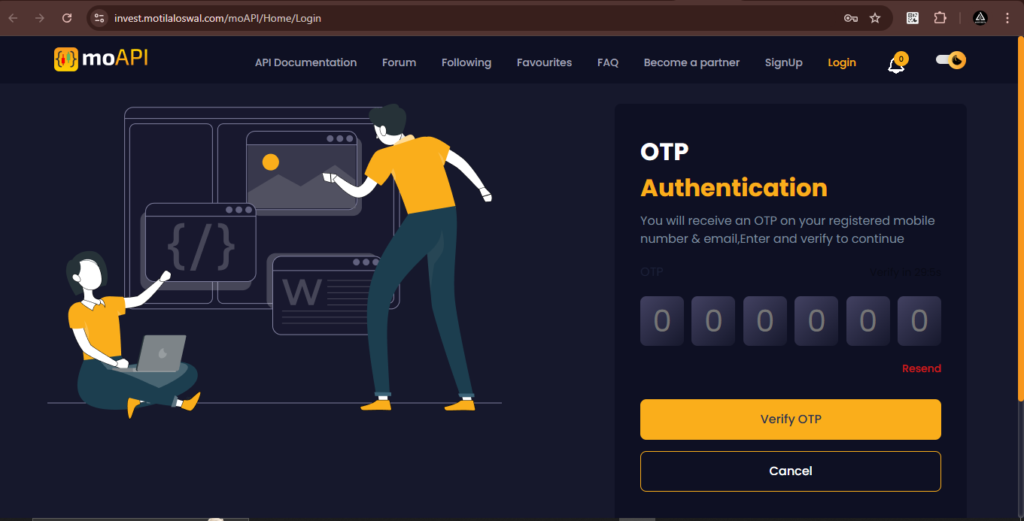
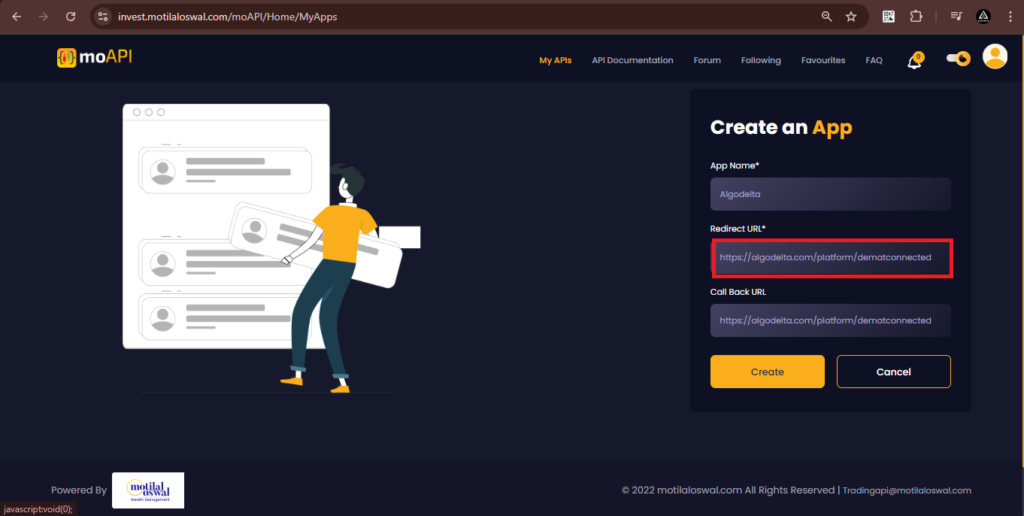
Enter the ‘App Name’ (e.g., ‘AlgoStocx’) and set both ‘Redirect URL’ and ‘Callback URL’ to https://algostocx.com/platform/dematconnected
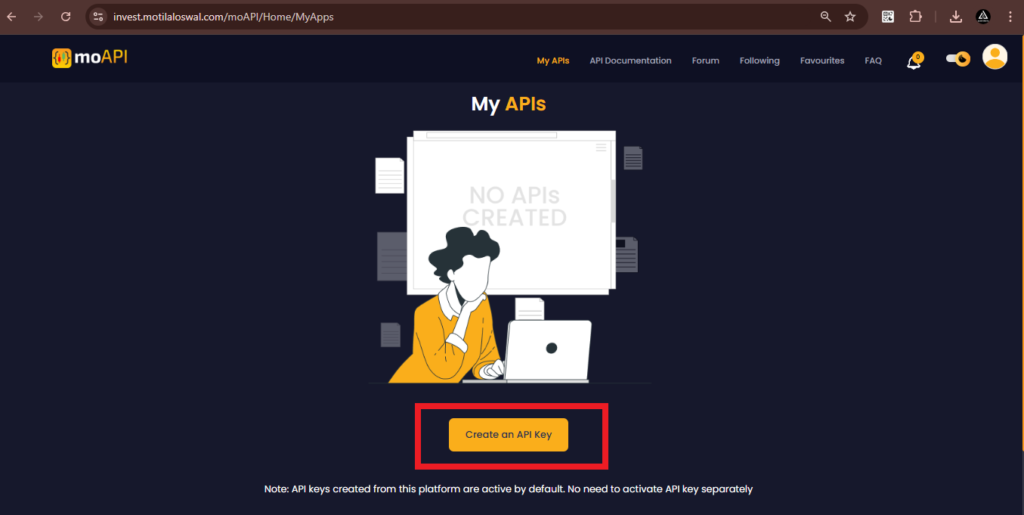
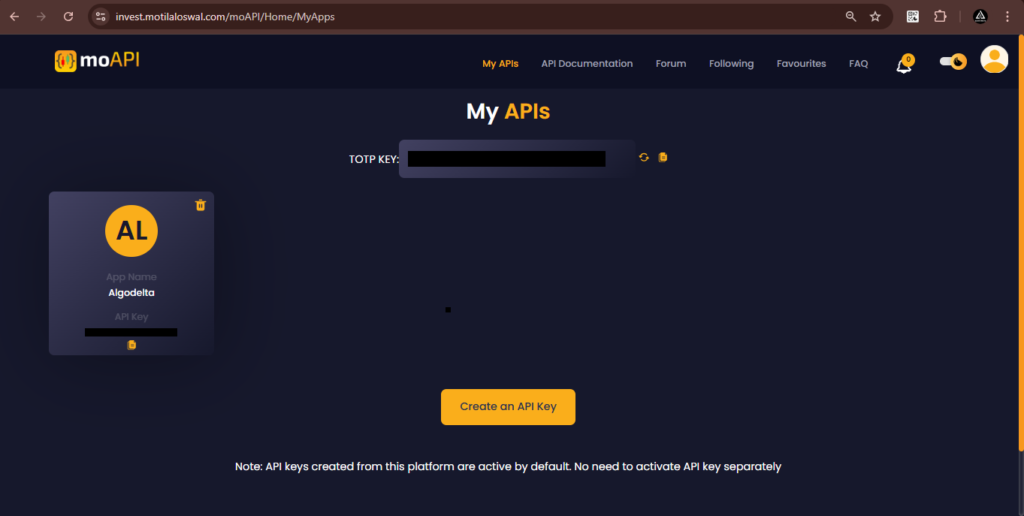
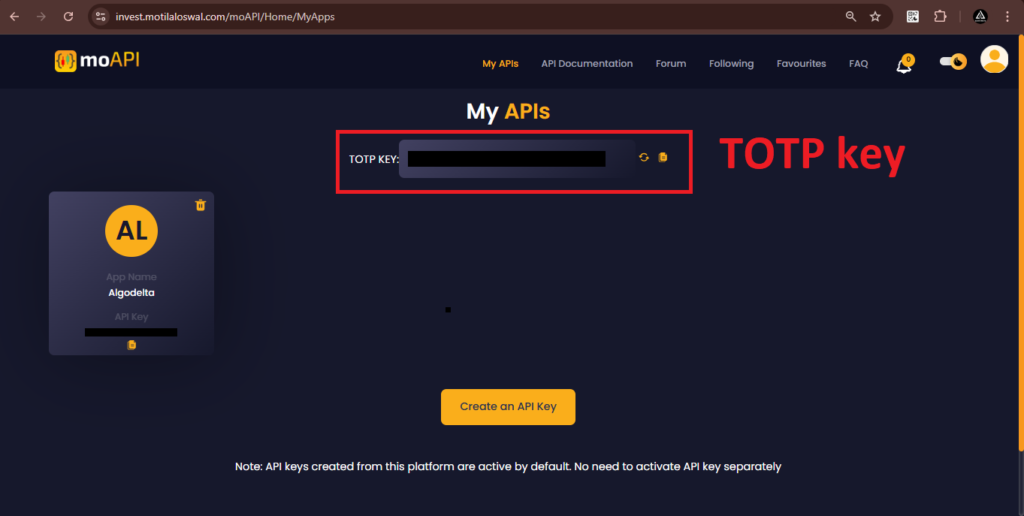
As you create your first API, you will also be able to see your TOTP key.
Now, go to AlgoStocx’s Copy Trading using the following link:
https://algostocx.com/platform/login. Enter your AlgoStocx email ID and password.

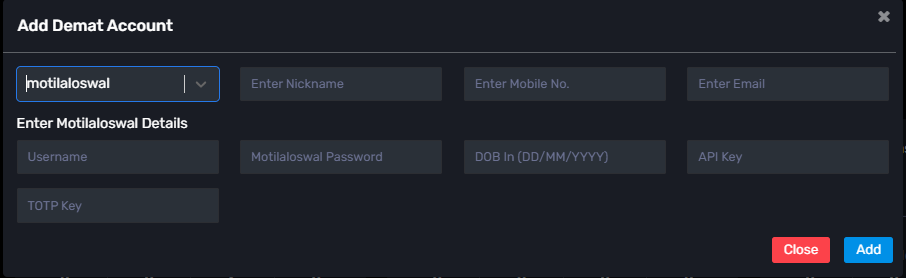
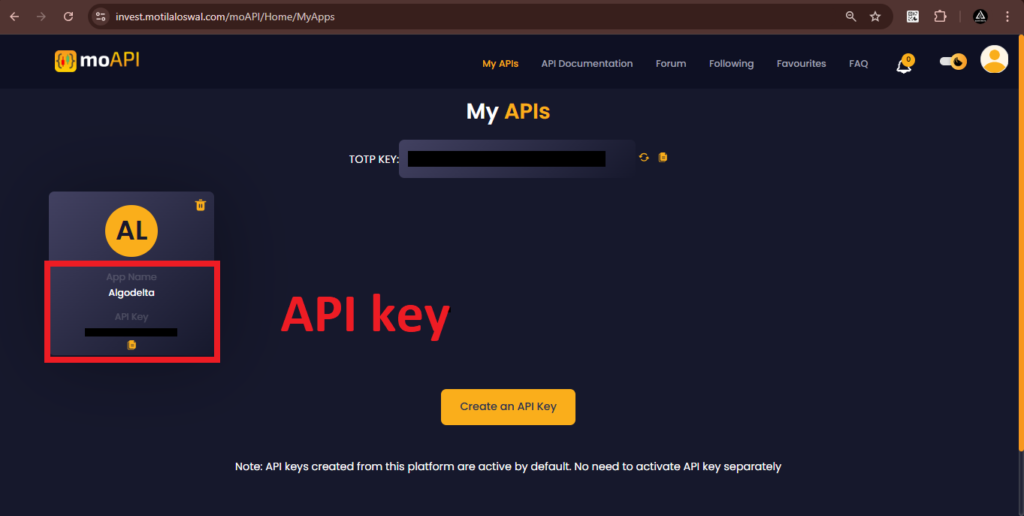
Go to the “Demat” tab and click on “Add Demat Account.” Select “motilaloswal” as the broker and provide the following details: Nickname, Mobile Number, Email, User ID , Password, Api Key (generated from the motilaloswal MO API portal), DOB (DD/MM/YYYY), and TOTP Key then Click on “Add.” You will see a “Broker Connected” pop-up.